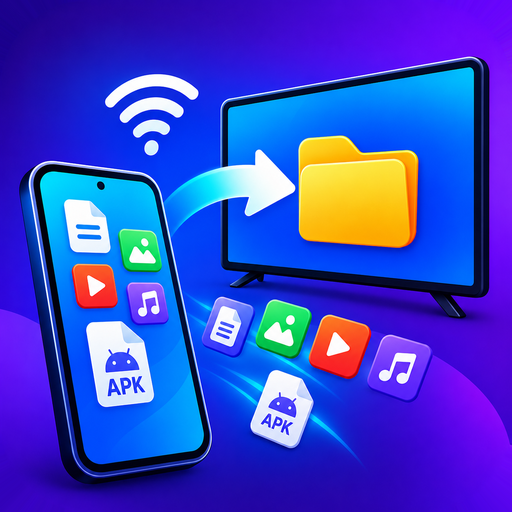
Everything on your phone, on the big screen. Send photos, video, music and files to your TV over your own Wi-Fi — and install apps on Android TV and Fire TV straight from your phone. No cable, no cloud, no account.
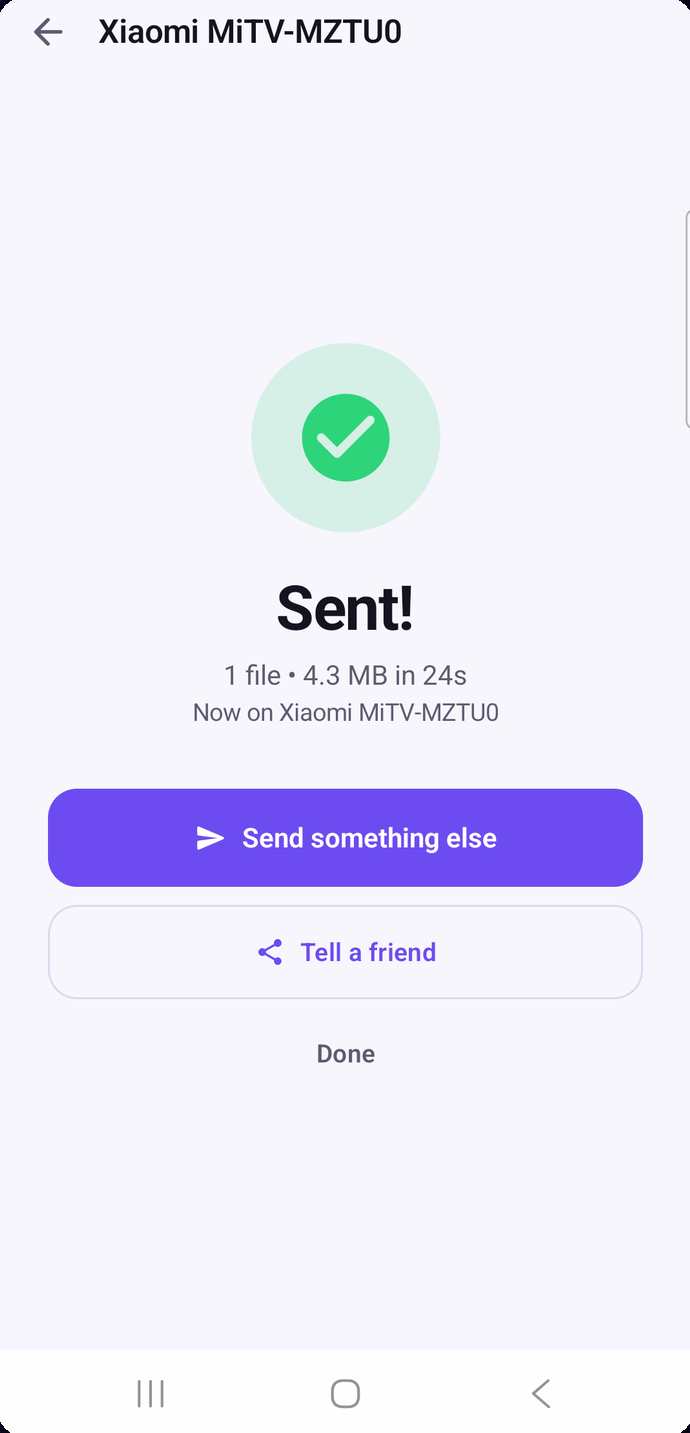
What it does
Three things most apps get wrong, and what each one is actually for.
Finds your TV over DLNA and hands it the file, so the TV plays it at full quality while your phone stays free and your battery survives. Works where screen mirroring will not.
Send an APK from your phone to Android TV or Fire TV. Split APKs handled properly — which is why most sideloads fail elsewhere.
Files move directly between your devices over your own Wi-Fi. No upload, no server, no account, no tracking.
Guides
Most casting guides assume every TV is the same. They are not — so these start by working out what you actually own.
VIDAA models have no Google Cast at all. Here is what does work.
Roku, Google TV, Android TV and Fire TV — four systems, four methods.
Send files that stay on the device, not just play once.
Install apps from your phone. No computer, no cable, no ADB.
Why bundles fail with "app not installed", and how to send them to a TV.
It moved rather than vanished — and the desktop version really is gone.
Nine times in ten it is Wi-Fi bands, router isolation, or a feature your TV does not have.
Compatibility
FAQ
For casting photos, video or music over DLNA — no. For sending files that stay on the device, or installing apps, you install the free receiver on Android TV or Fire TV.
Usually because the TV lacks the method you are using — Google Cast is missing from most Samsung, LG, Hisense VIDAA, Roku and Fire TV sets. Streaming apps also show a black screen when mirrored, which is copy protection and cannot be bypassed.
No. A 4 GB video moves as easily as a photo, and transfers keep running while the app is in the background.
No. Everything happens over your local Wi-Fi. If your router is on but your internet is down, transfers still work.
No cable, no cloud, no account. Works with Android TV, Google TV, Fire TV, and any smart TV that speaks DLNA.
Download on Google Play